

Request OTP Code
Generate an OTP code and queue the message to the provided chatId for secure authentication.
POST
Request OTP code
Overview
Generate a one-time password (OTP) code and automatically send it to a WhatsApp user. This endpoint is perfect for implementing two-factor authentication, phone verification, or secure login systems.How It Works
- Send a request with the recipient’s
chatIdand OTP configuration - The system generates a random code based on your specifications
- The code is stored with an expiration time
- A message containing the code is queued to be sent to the user
- You receive the code details to verify later
Quick Demo
Parameters
chatId (required)
The WhatsApp chat ID of the recipient (e.g.,[email protected])
length
The length of the OTP code. Default is6 characters.
useLetter
Include letters in the code generation. Default isfalse.
useNumber
Include numbers in the code generation. Default istrue.
allCapital
Make all letters uppercase whenuseLetter is true. Default is false.
name
The name to display in the message template (e.g., your app or service name).expires
Time-to-live (TTL) in seconds before the code expires. Default is1800 seconds (30 minutes).
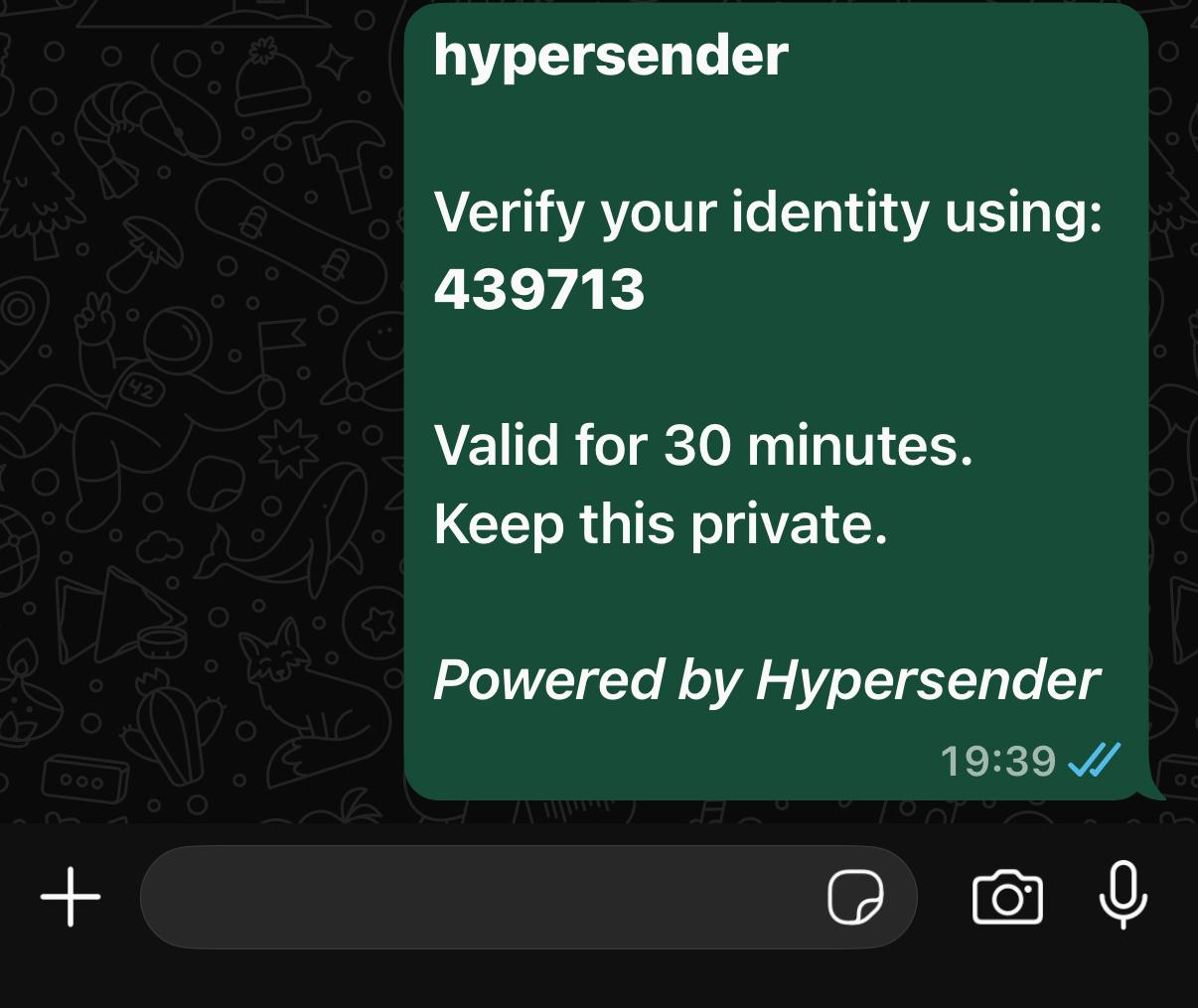
Showcase Example Message
Response
The response includes:uuid: Unique identifier for this OTP requestchat_id: The recipient’s chat IDcode: The generated OTP code (store this securely if needed)status: Current status (pending,sent,validated, orexpired)otp_type: Type of OTP (alwayscodefor this endpoint)expires_at: ISO 8601 timestamp when the code expirescreated_at: ISO 8601 timestamp when the code was created
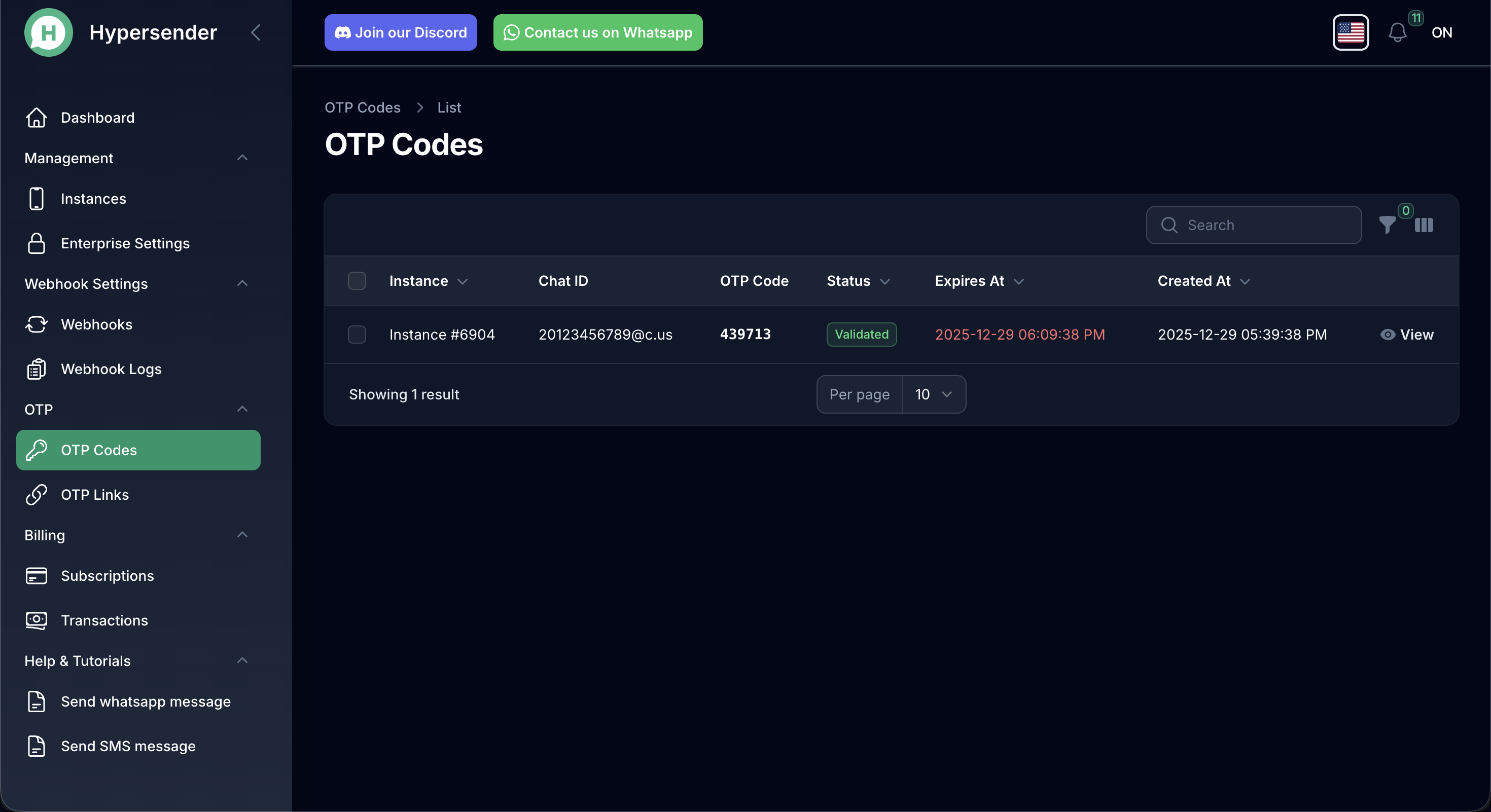
View All of your OTP Requests
Usage Example
Next Steps
After generating the code:- The user will receive the OTP via WhatsApp
- User enters the code in your application
- Use the Validate OTP Code endpoint to verify the code
- Check the
uuidto track the verification status
Authorizations
Bearer authentication header of the form Bearer <token>, where <token> is your auth token.
Path Parameters
Hypersender instance UUID
Body
application/json