

Validate OTP Code
Validate an OTP code previously generated for a chat to confirm user authentication.
POST
Validate OTP code
Overview
Verify an OTP code that was previously sent to a user via the Request OTP Code endpoint. This endpoint checks if the provided code matches the active OTP for the given chat ID.How It Works
- User receives OTP code via WhatsApp
- User enters the code in your application
- Send the
chatIdandcodeto this endpoint - The system validates:
- Code matches the active OTP
- Code hasn’t expired
- Code hasn’t been used already
- Returns validation result with status update
Quick Demo
Parameters
chatId (required)
The WhatsApp chat ID that received the OTP code (e.g.,[email protected])
code (required)
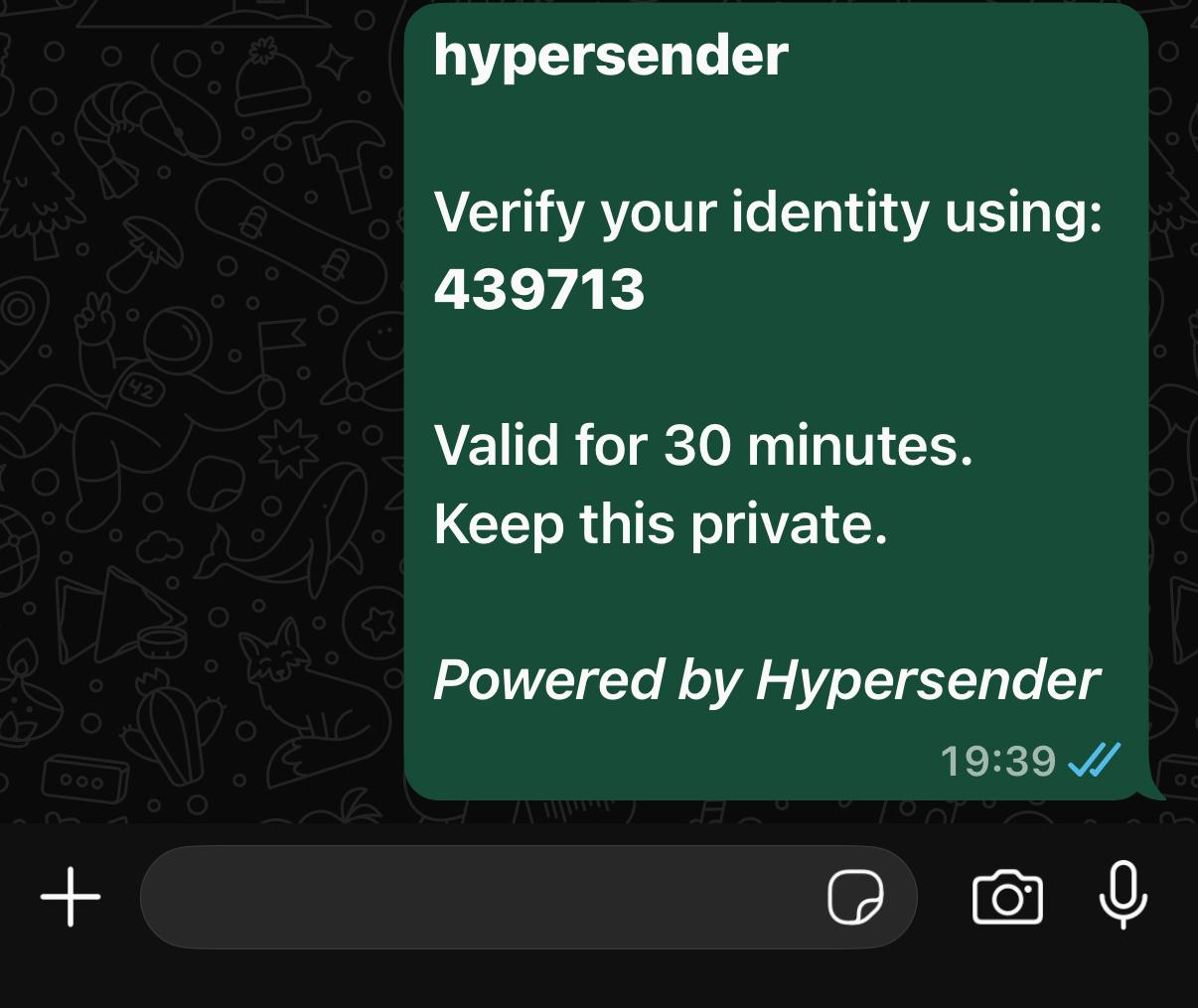
The OTP code provided by the user to validateShowcase Example Message
Response
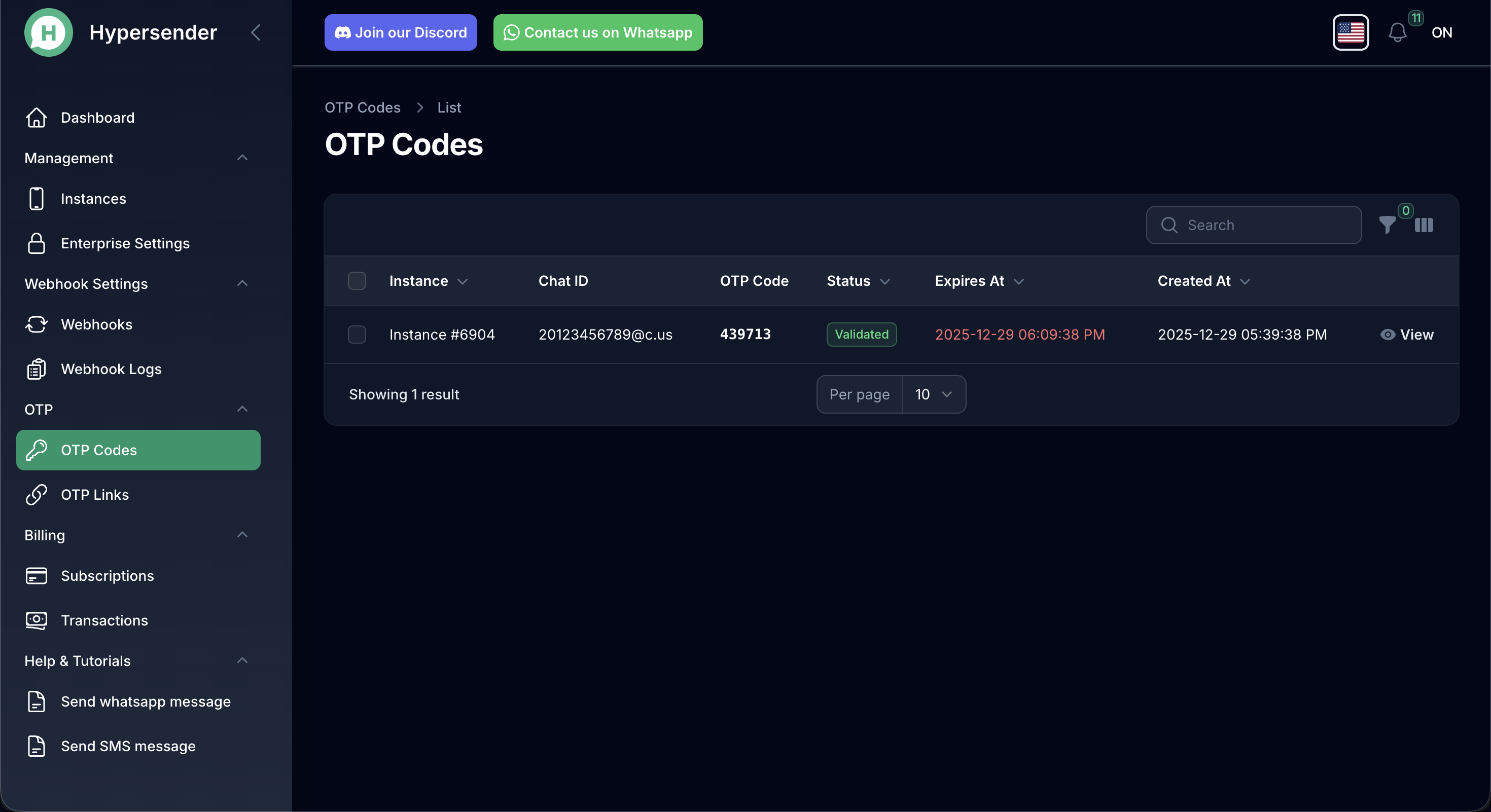
The response includes:success: Boolean indicating if validation was successfulmessage: Descriptive message about the validation resultdata.uuid: The unique identifier of the OTP requestdata.chat_id: The chat ID associated with this OTPdata.status: Updated status (typicallyvalidatedon success)data.validated_at: ISO 8601 timestamp when the code was validated
View All of your OTP Requests
Validation Rules
The code validation will fail if:- The code doesn’t match the active OTP for the chat
- The code has expired based on the
expiresparameter - The code has already been validated (codes are single-use)
- No active OTP exists for the provided
chatId
Usage Example
Error Handling
Common validation failures:- Invalid Code: The code doesn’t match
- Expired Code: The TTL period has passed
- Already Used: The code was previously validated
- No Active OTP: No pending OTP found for this chat
Security Best Practices
- Rate Limiting: Implement rate limiting on validation attempts to prevent brute-force attacks
- Maximum Attempts: Consider limiting failed validation attempts (e.g., 3-5 tries) before requiring a new code
- Secure Storage: Never log or store OTP codes in plain text
- HTTPS Only: Always use HTTPS for API calls containing OTP codes
- Short Expiration: Use shorter expiration times (5-10 minutes) for sensitive operations
Authorizations
Bearer authentication header of the form Bearer <token>, where <token> is your auth token.
Path Parameters
Hypersender instance UUID