POST
/
{instance}
/
send-contact-card
curl --request POST \ --url https://app.hypersender.com/api/whatsapp/v1/{instance}/send-contact-card \ --header 'Authorization: Bearer <token>' \ --header 'Content-Type: application/json' \ --data ' { "chatId": "[email protected]", "contacts": [ { "vcard": "BEGIN:VCARD\\nVERSION:3.0\\nFN:Jane Doe\\nORG:Company Name;\\nTEL;type=CELL;type=VOICE;waid=911111111111:+11111111111111\\nEND:VCARD", "organization": "Hypersender", "whatsappId": 911111111111 } ] } '
{}

Documentation Index

Fetch the complete documentation index at: https://docs.hypersender.com/llms.txt

Use this file to discover all available pages before exploring further.

You can send a contact card in a chat in two ways:
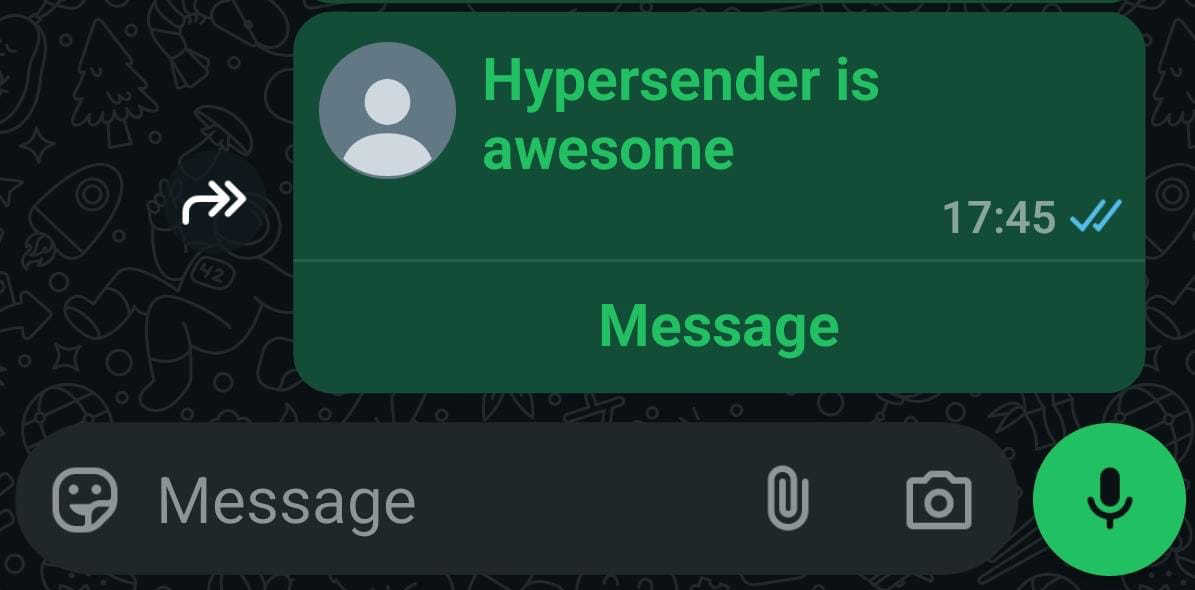
By providing the vcard:

{
    "vcard": "BEGIN:VCARD\\nVERSION:3.0\\nFN:Jane Doe\\nORG:Company Name;\\nTEL;type=CELL;type=VOICE;waid=911111111111:+11111111111111\\nEND:VCARD",
    "organization": "Hypersender",
    "whatsappId": 911111111111
}

By providing the contact info:

{
    "vcard": null,
    "fullName": "john doe",
    "organization": "hypersender",
    "phoneNumber": "+1111111111111",
    "whatsappId": "911111111111"
}
Send Contact Card

Authorizations

Authorization
string
header
required

Bearer authentication header of the form Bearer <token>, where <token> is your auth token.

Headers

Accept
string
Example:

"application/json"

Content-Type
string
Example:

"application/json"

Path Parameters

instance
string
required
Example:

"{{ instance_id }}"

Body

application/json
chatId
string
required
contacts
object[]
required

Response

Successful response

The response is of type object.