

Send File
Send files (documents/attachments) to WhatsApp users via URL or file upload.
POST
Send a file (as a document/attachment) to a chat.
You can send files in two ways:
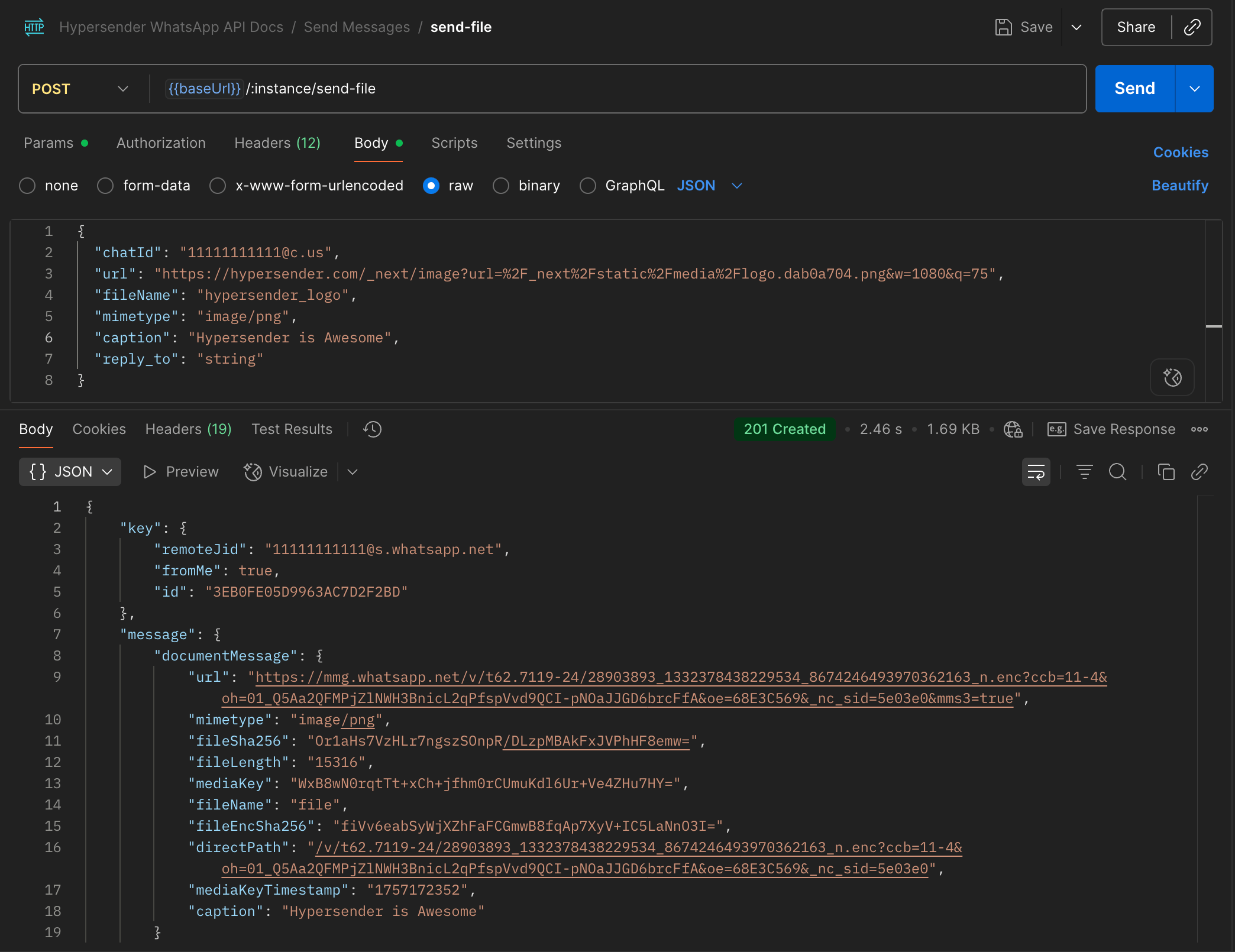
Provide a URL for the file.
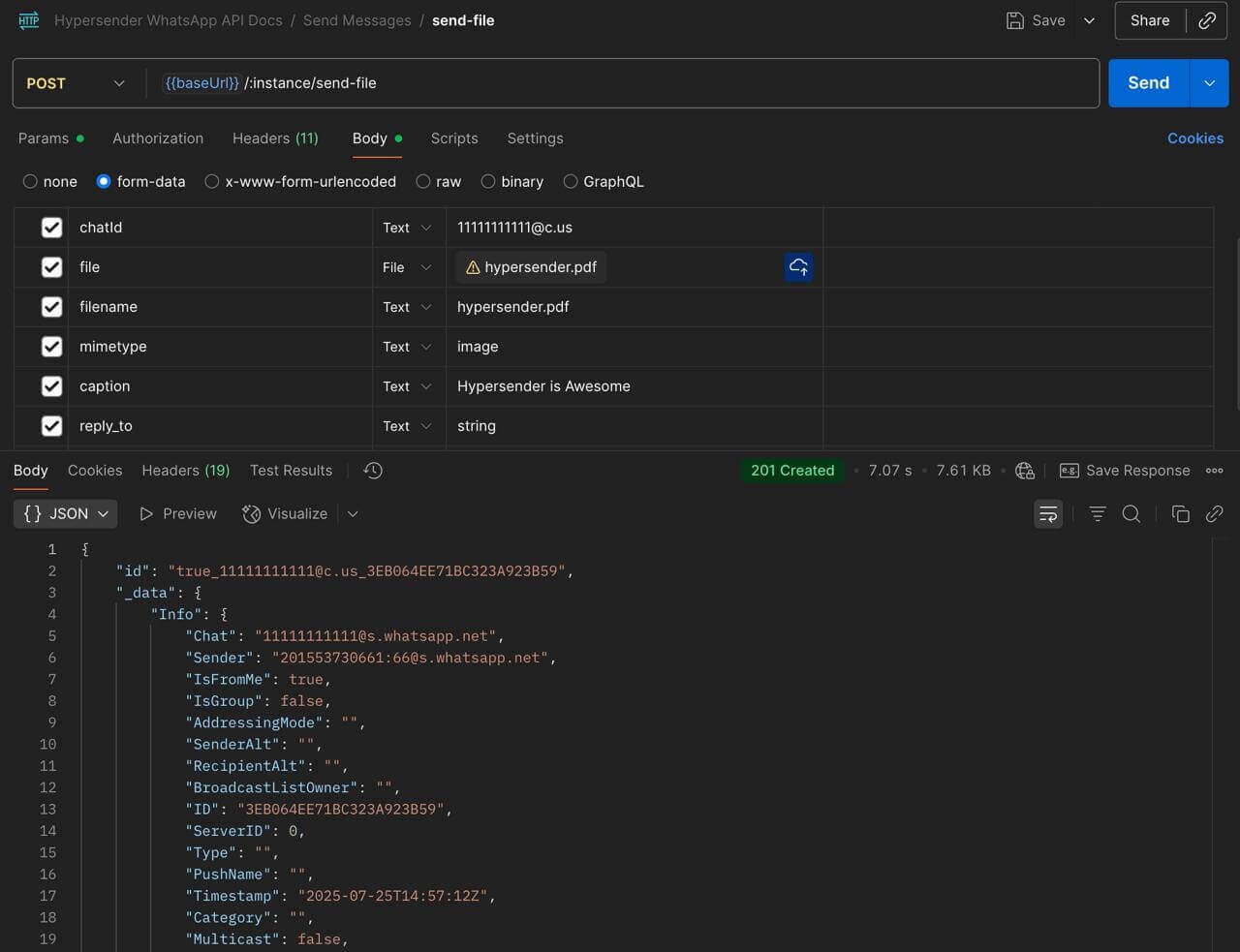
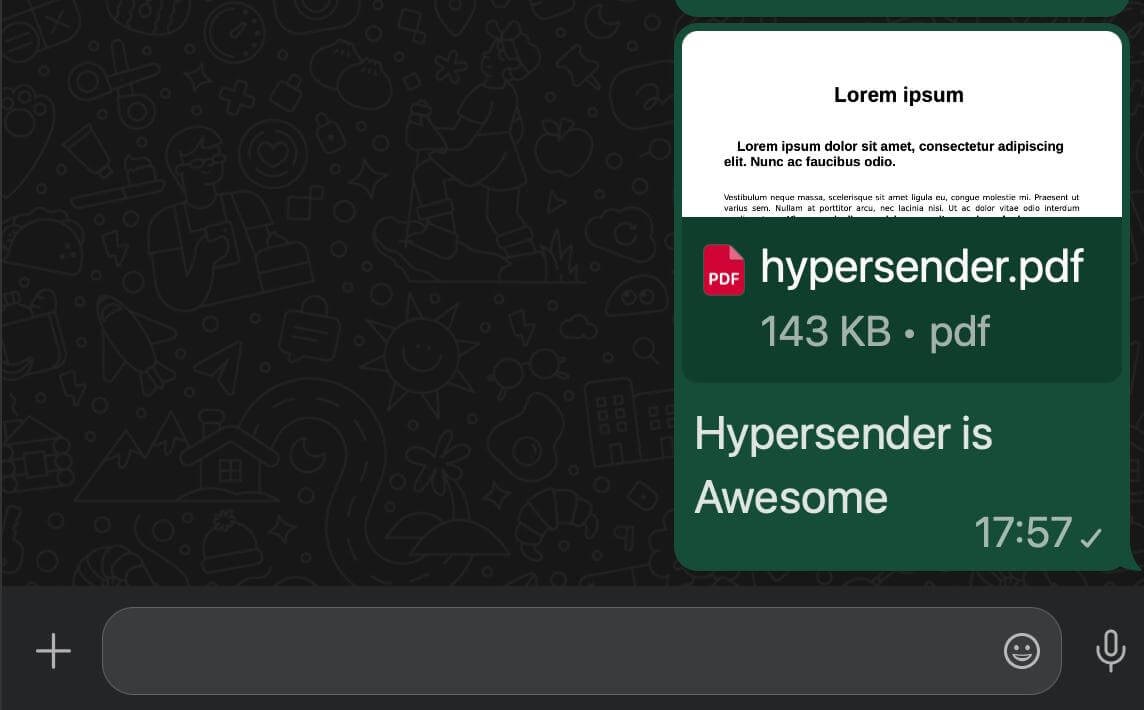
Send the file it self as a file upload.
[png, jpg, jpeg, gif, mp3, mp4, avi, mkv, mov, flv, wav, ogg, webm, 3gp, flac, aac, wma, m4a, opus, pdf, doc, docx, xls, xlsx, ppt, pptx, txt, zip]
Authorizations
Bearer authentication header of the form Bearer <token>, where <token> is your auth token.
Path Parameters
Example:
"{{ instance_id }}"
Body
application/json
Require to use multipart/form-data
Contact number - learn what is chatId
Example:
url to send (required without file)
file to send (required without url)
filename for the file
mimetype for the file
caption for the file
reply to message id