POST
/
{instance}
/
send-voice
cURL
curl --request POST \
  --url https://app.hypersender.com/api/whatsapp/v1/{instance}/send-voice \
  --header 'Authorization: Bearer <token>' \
  --header 'Content-Type: application/json' \
  --data '
{
  "chatId": "[email protected]",
  "url": "<string>",
  "file": "<string>",
  "caption": "<string>",
  "reply_to": "<string>"
}
'
{
  "key": {
    "remoteJid": "<string>",
    "fromMe": true,
    "id": "<string>"
  },
  "message": {
    "audioMessage": {
      "url": "<string>",
      "mimetype": "<string>",
      "fileSha256": "<string>",
      "fileLength": "<string>",
      "seconds": 123,
      "ptt": true,
      "mediaKey": "<string>",
      "fileEncSha256": "<string>",
      "directPath": "<string>",
      "mediaKeyTimestamp": "<string>",
      "waveform": "<string>"
    }
  },
  "messageTimestamp": "<string>",
  "status": "<string>"
}
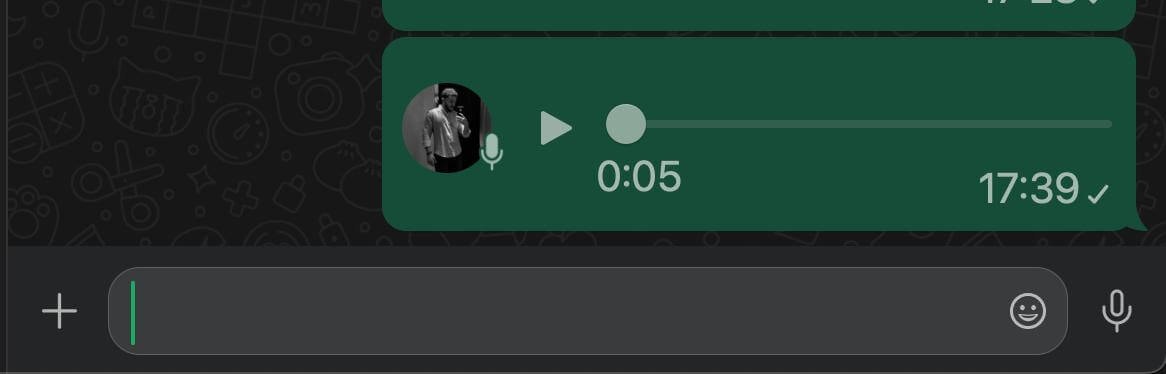
This specialized endpoint will allow you to send voice as if you were recording directly in the WhatsApp application.
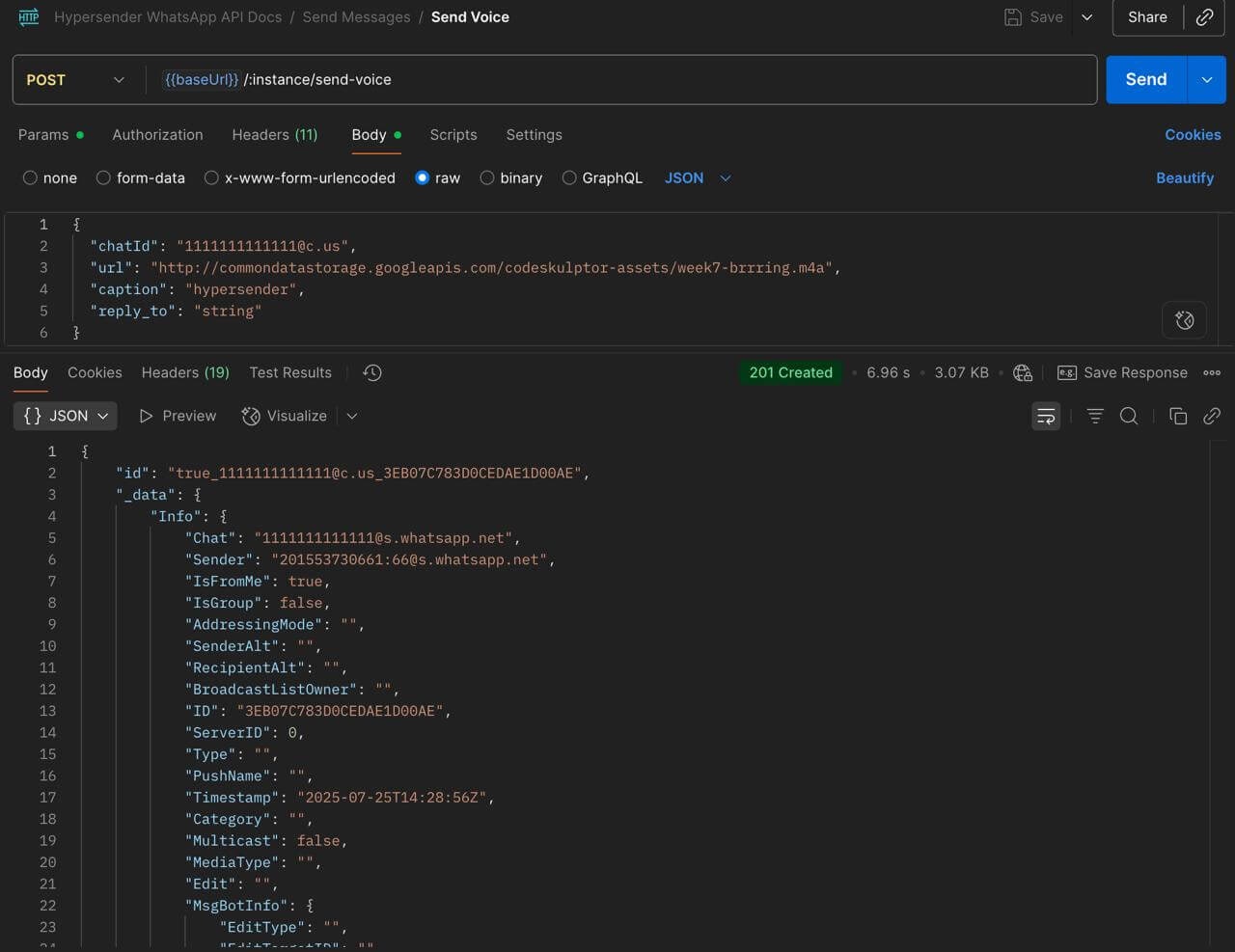
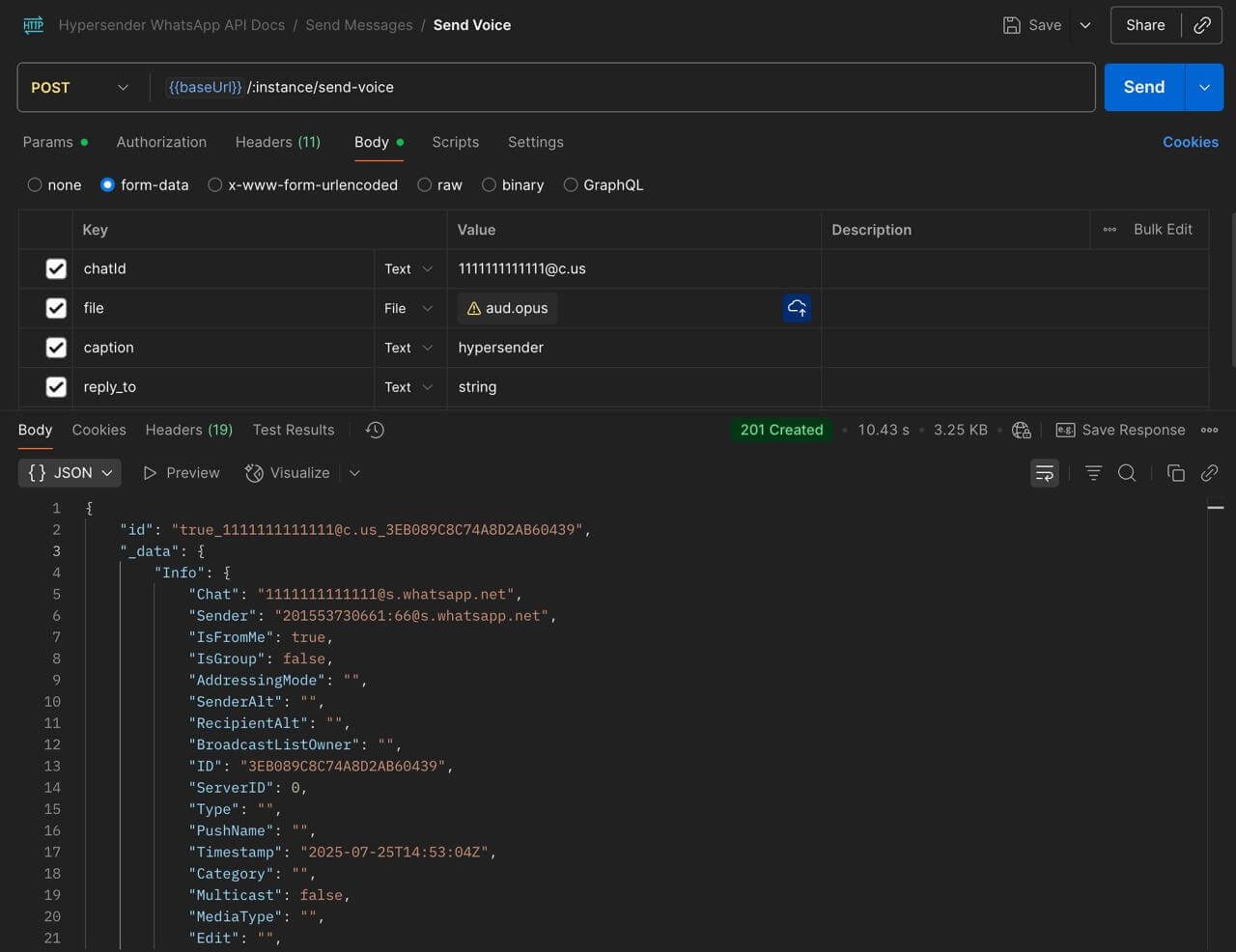
You can send voice messages in two ways:

Provide a URL for the voice audio.

send-voice-url
Please note that the URL must be publicly accessible and not require any authentication or special headers to access the file.

Send the voice audio it self as a file upload.

send-voice-file

send-voice-preview

Authorizations

Authorization
string
header
required

Bearer authentication header of the form Bearer <token>, where <token> is your auth token.

Headers

Accept
string
Example:

"application/json"

Content-Type
string
Example:

"application/json"

Path Parameters

instance
string
required
Example:

"{{ instance_id }}"

Body

application/json

Require to use multipart/form-data

chatId
string
required

Contact number - see chatId docs

url
string

url to send (required without file)

file
string

file to send (required without url)

caption
string

caption for the file

reply_to
string

reply to message id

Response

Successful response

key
object
message
object
messageTimestamp
string
status
string