

 MCP
- Hypersender: send WhatsApp messages, look up contacts, send SMS, and send and verify OTP codes. See Actions.
- Hypersender Trigger: start a workflow when a WhatsApp message or SMS arrives. See Trigger.
Prerequisites
- n8n: self-hosted, or n8n Cloud once the node is verified by n8n.
- Hypersender account: sign up at Hypersender and create a WhatsApp instance (connected by QR code) or an SMS instance (the Hypersender SMS app on an Android phone).
Installation
1
Install the community node
In n8n, open Settings → Community Nodes, click Install, enter the package name and confirm:
2
Create a Hypersender API credential
Add a Hypersender node to a workflow, open Credential, choose Create new credential, and fill in: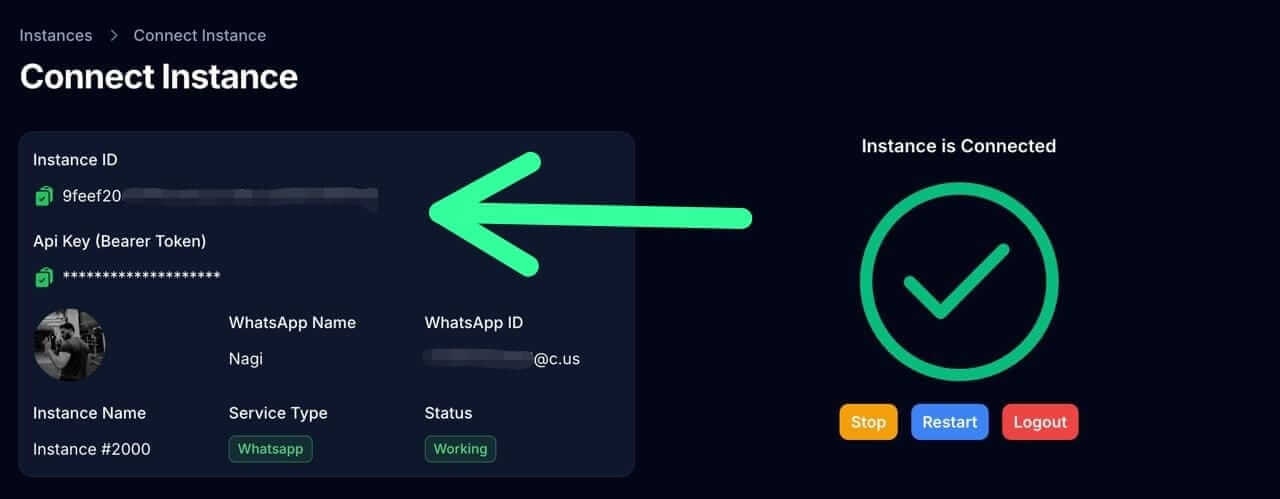
n8n tests the credential with a read-only request to that instance.
Each access token belongs to one instance, so create one credential per instance. The dashboard shows the token once, when you create the instance. To get a new one, use Regenerate Access Token on the instance; the old token stops working.
3
Send a test message
Set the Hypersender node to WhatsApp Message → Send Text, enter your own number in Chat ID (country code, no plus sign, for example
201234567890), type a message, and click Execute step.Next steps
Actions
Every WhatsApp, SMS and OTP action the node supports.
Trigger
Start workflows from incoming messages, and build an auto-reply.