

Read Chat
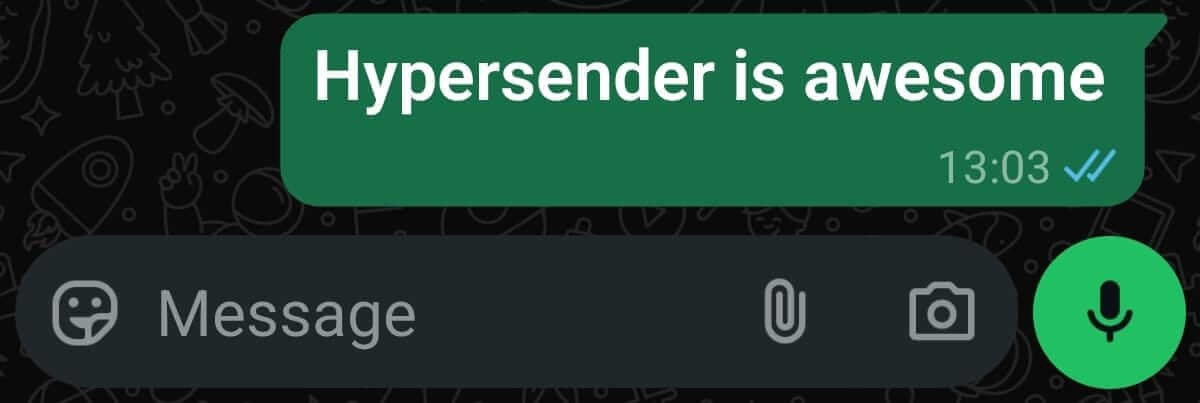
Mark all unread messages in a chat as read (double blue checkmark) using Hypersender WhatsApp API.
POST
cURL
V2 Queued Response: All API requests in V2 are queued for improved reliability. You’ll receive an immediate response with a
queued_request_uuid that you can use to check the actual message status.Response Format
All requests return a queued response:queued_request_link or the Get Queued Request endpoint to check the actual message response once it’s processed.
More details on queued requests can be found in the Queued Requests Documentation.
You can mark all unread messages in the chat as read (double blue checkmark) using one query: It’ll find all unread messages in the chat and mark them as read.
Authorizations
Bearer authentication header of the form Bearer <token>, where <token> is your auth token.
Headers
application/json
Example:
"application/json"
application/json
Example:
"application/json"
Path Parameters
Instance UUID copied from hypersender dashboard
Example:
"{{ instance_id }}"
Query Parameters
How much messages to read (latest first)
Example:
"30"
How much days to read (latest first)
Example:
"7"
Body
application/json
Example:
Response
Successful response